Printer learning guides written for everyday readers.
My Printer Store is an educational website focused only on printer topics: printer setup, offline status, print queues, printer drivers, Wi-Fi printing, ink, toner, paper handling, scanner basics, and common printer messages.
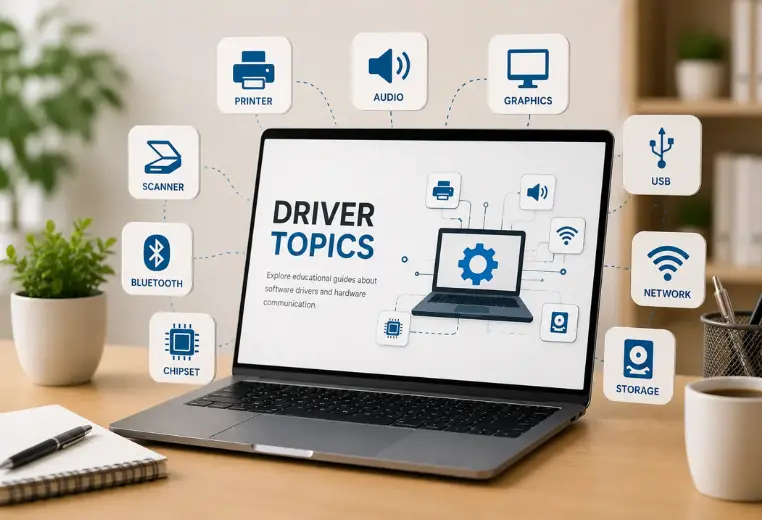
Printer topics explained in a simple learning format.
Our pages explain what users may see, what printer terms usually mean, and where official documentation can be used for deeper product-specific reading.
Printer Setup
Unboxing, power connection, ink or toner placement, paper loading, USB setup, Wi-Fi setup, and test page meaning.
Printer Offline
Offline status, device visibility, connection paths, default printer behavior, and queue-related messages.
Print Queue
Pending jobs, paused printing, stuck documents, queue order, print spooler basics, and cancel job meaning.
Printer Drivers
Driver unavailable messages, model matching, printer profiles, driver installation methods, and feature support.
Wi-Fi Printing
Router discovery, same-network printing, wireless setup, guest networks, printer profiles, and signal issues.
Ink, Toner & Paper
Cartridge meaning, toner basics, paper type, paper size, tray settings, paper mismatch, and print quality messages.
A printer learning website, not a support service.
My Printer Store is built for readers who want to understand printer-related topics before going deeper into manuals or official documentation.
The website explains common printer terms such as driver, queue, offline status, Wi-Fi discovery, paper mismatch, toner, ink cartridge, test page, and printer profile.
Our goal is to keep printer learning simple, structured, and easy to read without making service-style claims.
Concept-first content
Every guide begins by explaining what the printer term means.
Reference-based learning
Official sources are included for deeper product-specific reading.
What this website does not provide.
My Printer Store is a printer education website. It is not a printer repair company, not a remote support service, and not a software seller.
Sources readers can use for deeper printer reading.
We include official documentation links where relevant. Printer steps and settings can vary by model, manufacturer software, connection type, and operating system version.
How printer topics are explained.
We use a simple structure so readers can understand printer behavior without confusing technical wording.
What users may notice
Offline message, stuck queue, driver unavailable, printer not found, low ink, paper mismatch, or Wi-Fi discovery issue.
What it usually means
The guide explains the general printer concept behind the message without promising a repair.
Where to read deeper
Related guide pages and official sources are linked for deeper product-specific reading.
Continue with printer learning guides.
Browse printer setup, offline status, printer drivers, print queue, Wi-Fi printing, ink and toner, paper handling, and scanner basics.