How to Set Up a Printer
Learn printer setup flow: unboxing, power, ink or toner, paper loading, USB setup, Wi-Fi setup, and test page meaning.
Explore educational guides about printer setup, wireless printing, printer drivers, print queues, paper handling, offline messages, scanner functions, ink, toner, and common printer settings used in home and office environments.
This section explains printer setup, print queues, driver communication, Wi-Fi printing, offline status, paper handling, ink, toner, and common printer screens in simple educational language.
These guides are written for learning only. This website does not provide phone support, remote repair, printer installation service, software sales, or paid troubleshooting.
Printer Learning Path
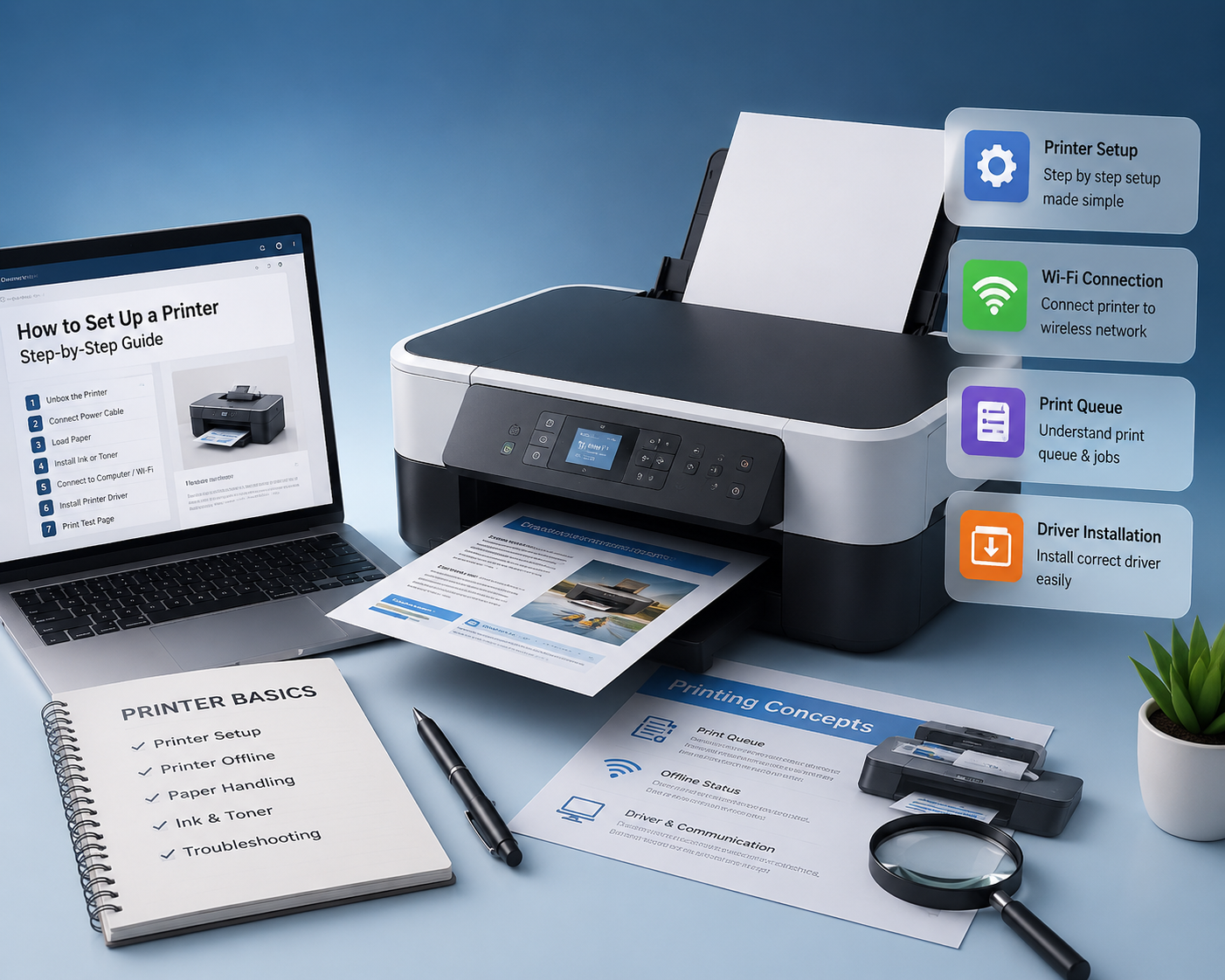
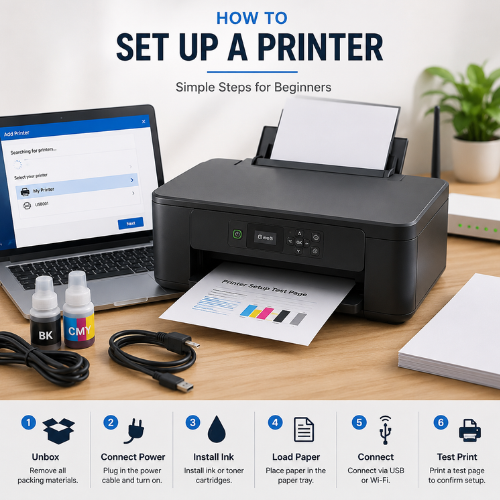
Learn the basic setup flow: unboxing, power connection, paper loading, ink or toner, USB connection, Wi-Fi setup, and test page meaning.
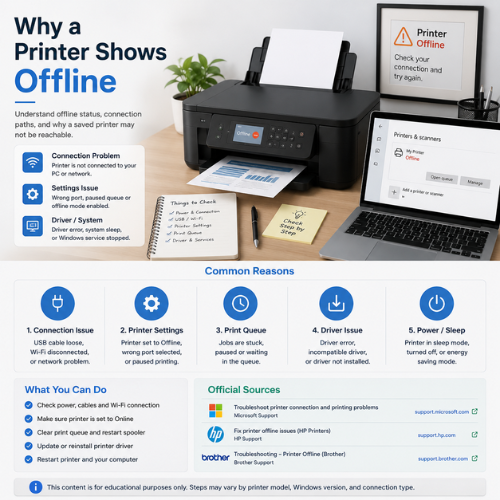
Understand what offline status usually means, how connection paths work, and why a printer may be visible but not currently reachable.
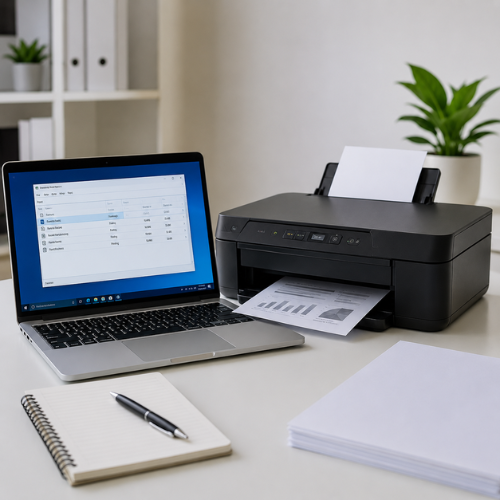
Learn how print jobs wait, why documents may stay pending, and how paused or stuck jobs affect printing.
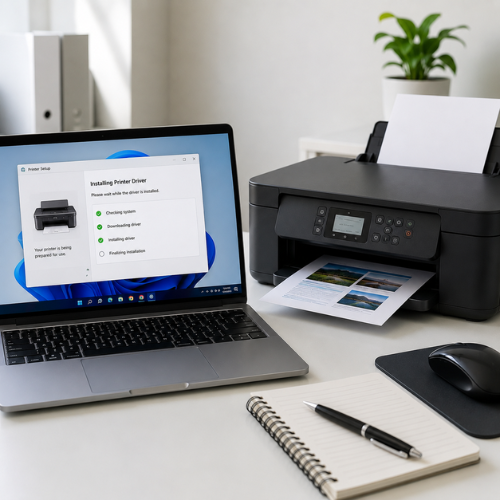
Understand how printer drivers help Windows communicate with printer features such as paper size, layout, print quality, and device commands.
These links point readers to official printer and Windows documentation for deeper product-specific reference.
Every guide is written for printer education only. Content is based on official documentation, manufacturer help pages, and common printer terminology used in Windows and printer settings.
Source
Docs
Focus
Purpose
Learn printer setup flow: unboxing, power, ink or toner, paper loading, USB setup, Wi-Fi setup, and test page meaning.
Understand offline status, connection paths, default printer behavior, and why a saved printer may not be reachable.
Read how print jobs wait, why documents stay pending, and how paused or stuck jobs affect printer behavior.
Learn how printer drivers help Windows communicate with printer features, paper sizes, layout, and print quality.
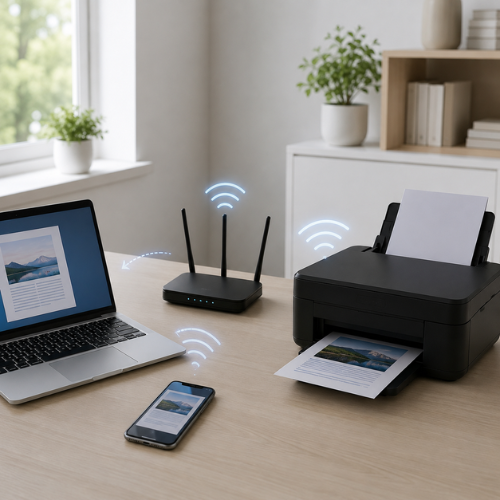
Understand router discovery, same-network connection, wireless signal, IP basics, and printer visibility.
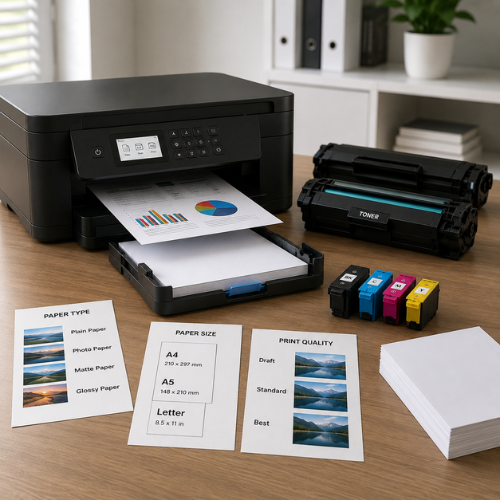
Learn basic supply terms: ink cartridge, toner, paper tray, paper type, paper size, and print quality messages.
The content is independently written in simple language after reviewing official resources such as Microsoft Support, Microsoft Learn, HP Support, Brother Support, and general manufacturer documentation. Printer steps can differ by model, operating system, driver package, USB/Wi-Fi connection method, and manufacturer software.
My Printer Store focuses only on printer learning topics. Blogs explain printer setup, wireless printing, print queues, driver communication, paper handling, ink systems, scanner functions, and common printer messages in simple language.
This website provides printer education only. We do not provide phone support, remote access, printer repair, installation service, software sales, or paid troubleshooting.
Printer Learning Approach
Learn unboxing, power connection, ink or toner placement, paper loading, USB setup, Wi-Fi setup, and test page meaning.
Understand why a printer may show offline, unavailable, paused, not detected, or waiting inside printer settings.
Learn how printer drivers help the operating system understand page size, layout, print quality, scanning, and printer commands.
The website is built only around printer topics, not general tech support or unrelated device categories.
First-use setup, paper, ink, toner and test page basics.
Offline status, device visibility and connection meaning.
Driver layer, paper size, print quality and commands.
Router discovery, same network and wireless printing flow.
Pending jobs, paused documents and waiting print tasks.
Cartridge, toner, color output and supply messages.
Paper tray, paper type, paper size and feed messages.
All-in-one printer scanning, copying and scan-to-PC basics.
These FAQs explain what the website provides, what it does not provide, and how printer guide content is researched from official documentation.
Focus
Purpose
Support
Sources
No phone number, no remote access, no printer repair, no paid support, no installation service, and no software selling claims.
Yes. My Printer Store focuses on printer learning only, including setup, offline status, print queues, printer drivers, Wi-Fi printing, ink, toner, paper handling, and scanner basics.
Related official reading
Microsoft Support
No. This website provides educational reading guides only. It does not provide phone support, remote access, repair service, installation service, or paid troubleshooting.
Related official reading
Microsoft Support
You can learn printer setup, USB printing, Wi-Fi printing, print queue meaning, offline status, printer driver basics, ink and toner terms, paper tray usage, paper size, scan functions, and common printer messages.
Related official reading
Microsoft Support
Printer offline usually means the computer cannot currently communicate with the printer through the expected USB, Wi-Fi, Ethernet, or saved printer connection path.
Related official reading
Microsoft Support
A print queue is a waiting list where print jobs stay before they are sent to the printer. If one job is paused or stuck, later documents may also wait.
Related official reading
Microsoft Support
The content is written in simple language after reviewing official resources such as Microsoft Support, Microsoft Learn, HP Support, Brother Support, and other printer manufacturer documentation.
Related official reading
Microsoft Learn
These Blogs explain printer topics in a reader-friendly way. They are not repair pages or service pages. They are made for learning printer setup, drivers, queues, offline status, Wi-Fi printing, ink, toner, and paper basics.
View all printer Blogs
A printer setup usually starts with checking the power connection and placing the printer on a stable surface. After that, paper should be loaded correctly in the tray so the printer can detect it properly. Ink cartridges or toner should be placed according to the printer type. Some printers use liquid ink, while laser printers commonly use toner. A USB connection is often used for direct printer setup. Wi-Fi setup is used when the printer needs to work wirelessly with a computer or phone. During setup, the printer may ask for network selection, password entry, or confirmation from a companion app. The computer may also need a printer driver so it can understand the printer model and available features. A test page is commonly used to confirm that the printer, paper, connection, and driver are working together. Setup steps may look different depending on the printer brand, model, Windows version, or connection method.
Understand what offline status usually means, why the printer may still appear saved, and how connection paths, queues, and settings affect visibility.
Read article
A simple explanation of how print jobs wait in line before reaching the printer, and why pending or paused documents can stop later jobs.
Read article
Learn how printer drivers help the operating system communicate with printer features like paper size, layout, color settings, and print quality.
Read article
Understand how a wireless printer connects through a router, why same-network connection matters, and why discovery can sometimes fail.
Read article
Learn common supply terms such as ink cartridge, toner, paper tray, paper size, paper type, and print quality messages.
Read articleBlog Blogs are written for general printer learning and awareness. They do not provide phone support, remote assistance, repair service, installation service, or paid troubleshooting.